
Have you ever thought, “What can my web host see?”
If you run a website, you trust someone else to hold your files, emails, and data. But what do web hosts actually have access to behind the scenes? The answer affects your privacy, your security, and sometimes even your legal protection.
In this article, we will break down what your hosting provider can see, and the safeguards in place to keep your private information safe.

When you use web hosting, your website lives on computers the host manages. So, what can your web host see on those servers? Technically, an administrator at your web host can access anything stored in your account: your files, images, website code, and the databases that run your site. If you use email connected to your domain, hosts can also see the data passing through their mail servers.
Most reputable hosts, like those using cPanel or DirectAdmin, have strong internal policies. Staff access client information only when necessary.
Still, you should assume host administrators can get to your data if they must. However, they cannot see your passwords, because website systems like WordPress store these in encrypted form, not in plain text.
It isn’t just files: responsible web hosts monitor logs to watch for errors, spot threats, and maintain smooth service. These logs also capture things like which IP addresses accessed your account and when you logged into a service like email.
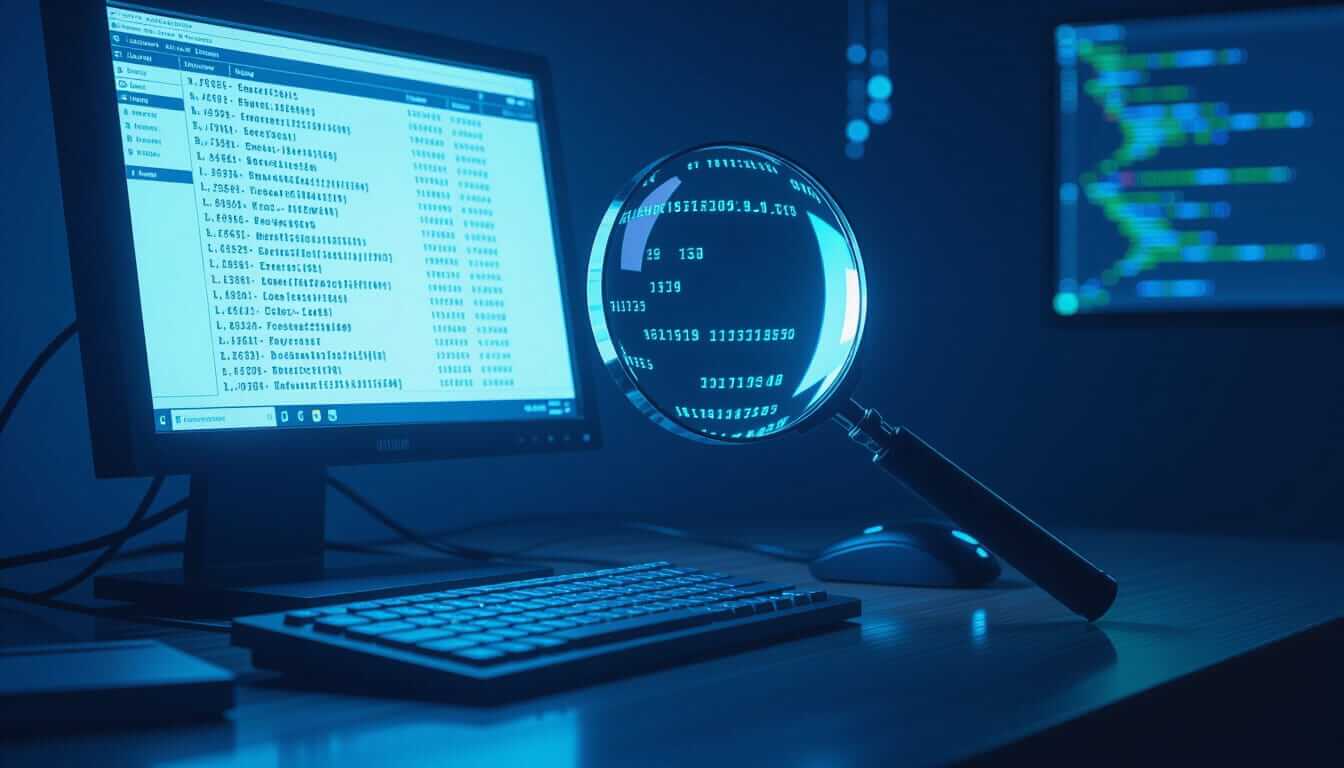
One way hosts reduce risks is by separating user accounts on their servers. Imagine living in an apartment where each unit has a solid, locked door. On web hosting servers shared by many clients, account isolation works the same way.
CloudLinux CageFS is a common solution. It acts like separate walls for every user, making it nearly impossible for one user’s files to be seen by others. Even if someone else’s account on the server is compromised, your information remains protected within its own secure environment.
At Tresseo, we use CageFS to help make sure our clients’ files, databases, and settings can only be viewed by their owners and the host’s authorized administrators. This extra security helps prevent accidental or malicious cross-account snooping.

Web hosts also use active security monitoring to block threats. Imunify360 is a popular tool for this job. It checks every file that gets uploaded, looks for malware, viruses, and suspicious activity, and protects sites from known hacking techniques.
Features like Imunify360 greatly lower your site’s risk by scanning all the time, flagging and removing unsafe files, and even blocking bad traffic before it can target your site or data.
Hosts use control panels such as DirectAdmin to help manage websites. These tools also keep detailed logs about who accessed your account, what changes were made, and from where. While these logs help protect you by showing suspicious activity, they also mean your host can review this information for support and security reasons.
You can check many of these logs yourself through your hosting dashboard. If you notice logins from strange locations, or changes you didn’t make, you should act quickly to secure your account, and report it to technical support.

What can your web host see depends not just on technology, but also on location.
Canada’s privacy rules are stricter than those in several other countries. Under the Personal Information Protection and Electronic Documents Act (PIPEDA), Canadian hosts must protect your personal data and only access it under specific, legal circumstances.
If you use a US-based host, your data might be accessed or handed over to government agencies under laws like the Patriot Act or the Cloud Act, often without your knowledge.
Canadian web hosts must notify you about privacy policies and get your permission before sharing your data, except if facing a specific legal order. This offers stronger privacy guarantees, particularly if you handle sensitive or confidential information.
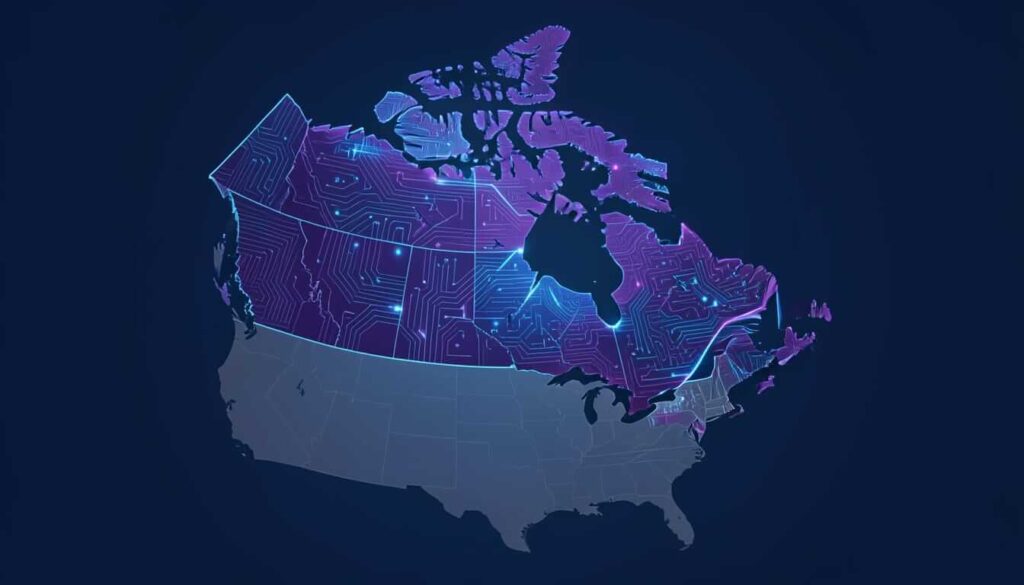
Privacy-minded businesses prefer Canadian hosting so their files, emails, and client data remain on servers managed according to Canadian law. This can be important for legal, health, or financial professionals who need trusted data controls.
While web hosts take many steps to protect you, you also play a part. Here are some tips to limit what can your web host see:
At Tresseo, we suggest scheduling a monthly security checkup. Limit who you share your account information with, and review permissions for any third-party services linked to your hosting account. If you don’t have time for these regular reviews, our webmaster plans can handle these tasks for you.

So, what can your web host see?
In summary, your host holds the keys to your files, emails, and activity logs, but modern safeguards and laws prevent casual snooping. Security tools like CageFS and Imunify360 isolate your data and scan for threats. Hosting with a Canadian company gives Canadians extra legal protection, keeping your private information safer from unexpected access.
Sharing your website means some trust is always required, but careful hosting choices and good security habits make a strong difference.



Copyright © 2022 - 2026. Tresseo. All rights reserved.