
Understanding the difference between a domain, hosting, and DNS is essential if you ever plan to build, manage, or even just visit a website.
These three elements work together to allow you to type a website name into your device or browser and get to your favourite websites.

The domain name is the unique web address you type in your browser, such as example.com. Think of it as a street address for a house. It tells people where to find you online. Without a domain name, visitors would need to remember a string of numbers (called an IP address) to reach a website. This would be confusing and almost impossible to remember.
Domains are registered through companies known as “registrars.” When someone buys a domain name, they can use it for their website, email, or both. For example, at Tresseo, we always advise picking a name that’s easy to remember and reflects your brand or identity.
The domain is not the website itself. It simply points visitors in the right direction. You can own a domain for years without building a website, much like owning a reserved plot of land. Over time, top-level domains have changed.
Originally, .com, .net, and .ca were among the few choices, but now, you may see hundreds of domain options (sometimes called “domain extensions”) like .tech or .blog.
When you buy a domain, it needs to point to something. By itself, a domain is not enough to display a website. It must “connect” to web hosting, which leads us to our next section.

Web hosting is where your website actually “lives.” Imagine your website as a collection of files, images, and pages. Hosting is like the plot of land and the house where all these things are stored. When someone visits your domain, the hosting server sends those files to their browser.
Hosting companies provide different types of hosting. The most common options are shared, VPS (Virtual Private Server), and dedicated hosting. Shared hosting is like living in an apartment building: you share resources with others, making it affordable but sometimes slower. VPS hosting gives you your own “space” within a bigger building, while dedicated hosting is like owning your own house, with more control and resources.
Hosting providers often include added services, such as email hosting, security tools, and support, to help you manage your site. A reliable web host keeps your website running smoothly and available to visitors. At Tresseo, we often recommend starting with shared hosting for new sites, upgrading as your needs grow.
Your hosting choice affects how fast and reliable your website is. Location of server and hardware resources are key to fast hosting. Hosting services should also shield your site from hackers and ensure backups are available if something goes wrong.
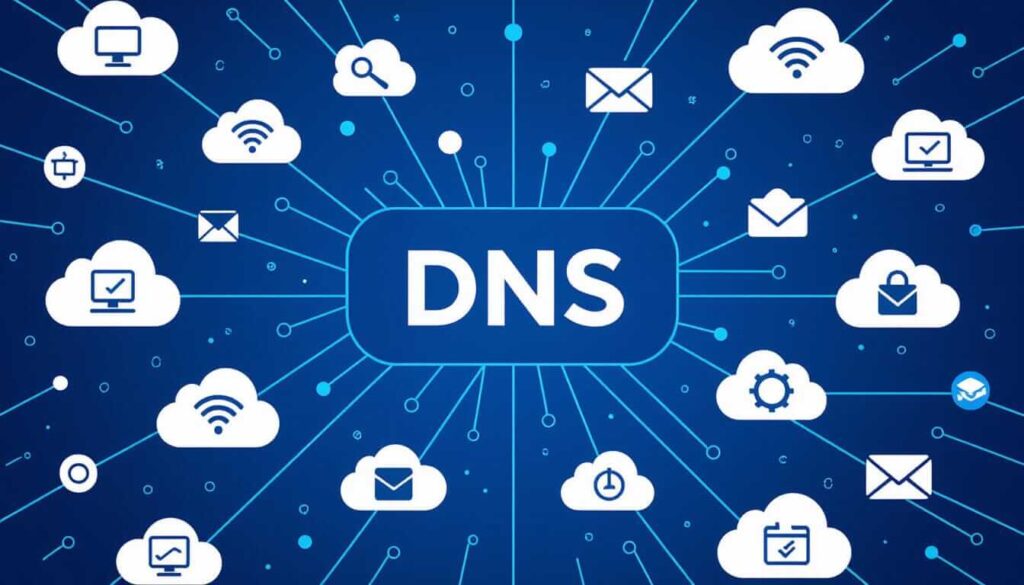
DNS stands for Domain Name System. Imagine it as a digital phonebook that matches domain names to IP addresses. When you type a website’s name into your browser, DNS finds the exact “location” of the computer (server) where that site is hosted. Without DNS, you’d have to remember long series of numbers instead of easy-to-remember words.
Each domain typically has its own DNS settings. These control not only which web hosting service gets connected, but also where emails go, or even where other services, like cloud storage, are managed. If you’ve ever had to change web hosts, you may remember updating your DNS settings. This is what makes the switch possible.
DNS is the tool that makes domain names work with actual web hosting. If you move your website to a new host, you don’t have to buy a new domain. You just update the DNS records. These simple settings tell the world how to connect your domain to your content.
Domain registrars often offer DNS management tools, while many hosting providers offer to manage DNS for you. Some people use outside DNS providers for extra speed or security. No matter the setup, DNS is a key bridge connecting domains to hosting.
Understanding DNS can also help you troubleshoot problems. If your site isn’t loading but your hosting is working, DNS mix-ups are sometimes the cause.
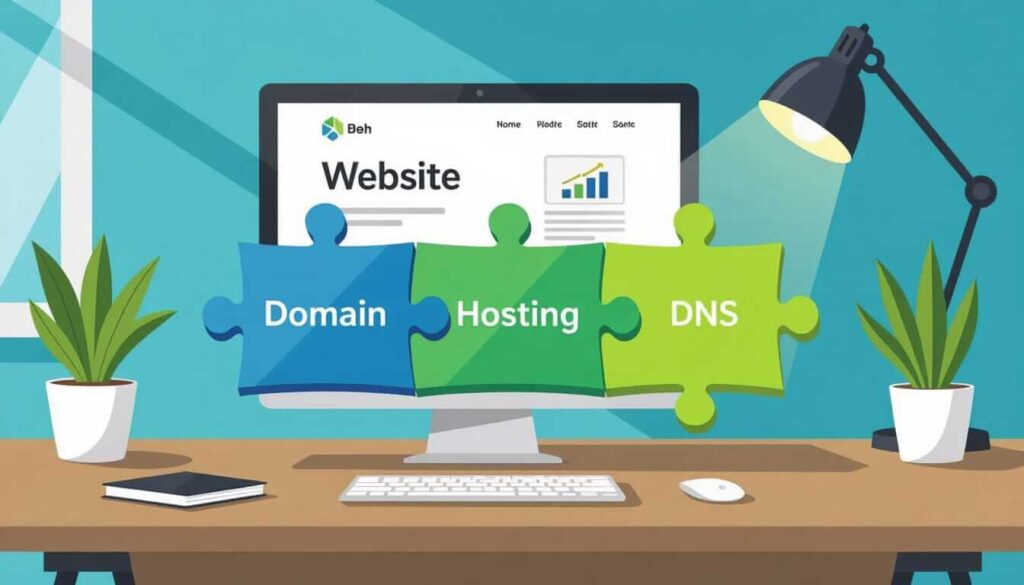
Combining these elements is like designing a house:
When someone enters your domain name, DNS translates it and guides visitors’ browsers to your host, where your website files live. Each piece is separate but must work with the others for a website to be accessible online.
This separation also allows for flexibility. You can change your web host without losing your domain, just by updating your DNS. Or, you can use your domain just for email if that’s what you need.
Next time you wonder why your favourite website loads so quickly, remember it’s the combination of a strong domain name, a reliable hosting provider, and well-managed DNS settings making it possible.
Understanding the difference between a domain hosting and DNS makes managing or building a website far less mysterious.
Domains give you an easy name, hosting stores your site’s files, and DNS connects the two. All three are essential, but each plays its own part in delivering websites to our screens each day.
As you explore or build your own website, recognizing how these components interact can save you headaches and help you choose the right services.



Copyright © 2022 - 2026. Tresseo. All rights reserved.