
Creating a contact form is often the first step towards making your website truly interactive. When visitors land on your site, they expect a simple way to reach out. Without an effective contact form, you might miss messages from potential clients, collaborators, or curious fans.
Creating a contact form brings structure to how you gather information, making each message clearer and easier to reply to.
For businesses, bloggers, artists, and organizations, contact forms play a key role in starting meaningful conversations and helping relationships grow. From simple email requests to detailed support tickets, most websites rely on forms to collect visitor information.
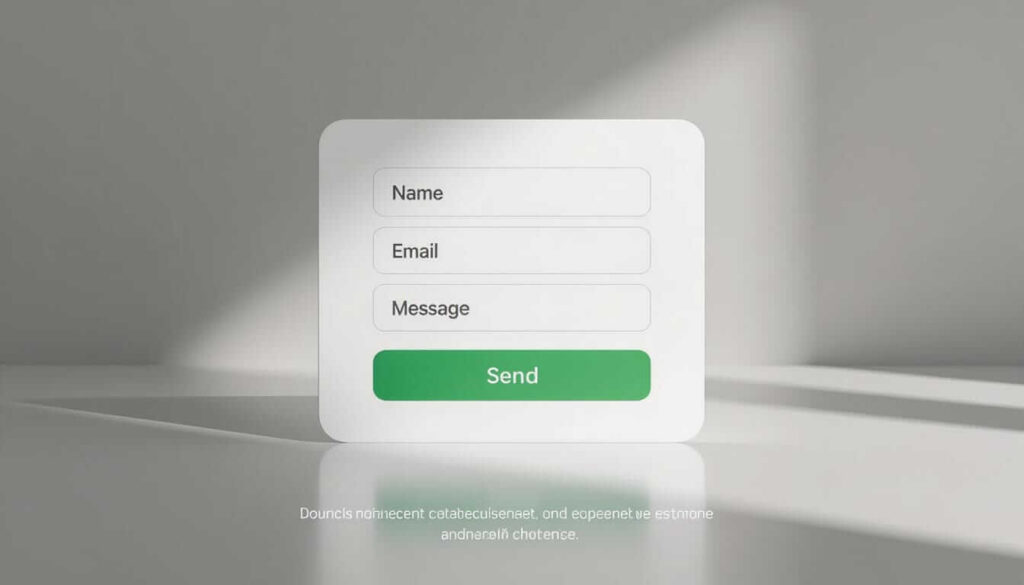
Many marketers say that web forms are their highest-converting lead generation tool. This means that a well-designed contact form does more than collect names and emails; it opens real doors to opportunity.
Before you build your contact form, it helps to think about its purpose and how people will use it. A well-designed form is like a good receptionist. It welcomes users, collects key details, and passes them along so you can respond easily.
The most basic contact form should include fields for the visitor’s name, email address, and message. You might also add an optional subject field or a dropdown menu to help sort requests.
For example, a dropdown labeled “Type of Inquiry” can make it clear if someone is asking about support, sales, or a partnership. If your form gets too complicated, visitors might leave without filling anything in.
Choosing which details to collect is about balance. Gather enough information to help you respond, but don’t ask for unnecessary details. For example, asking for a phone number can sometimes lower completion rates unless it’s required for follow-up. At Tresseo, we suggest starting with the essentials and only adding extra fields if you absolutely need them.
In addition, always include a privacy notice. Even a simple statement like “Your information stays private and is never shared” helps build trust.
With data protection laws such as Canada’s Personal Information Protection and Electronic Documents Act (PIPEDA), being transparent about data handling is no longer optional. Trust opens the door to more meaningful conversations.

Once you know what fields to include, the next step is adding your contact form to your website. Many website builders, such as Wix, Squarespace, and Joomla, provide built-in form features that require little technical skill. If you use hosting platforms like cPanel, you might find wizards that walk you through setup.
If your site runs on WordPress, plugins such as Fluent Forms or WPForms can simplify the process. However, tools alone won’t guarantee a great user experience. Focus instead on best practices: ensure that your form sends entries to a monitored email inbox and displays a clear success message when finished. If you collect lots of inquiries, add an autoresponder that thanks visitors automatically.
Always test your form before making it public. Check that all fields work and send data correctly. Broken forms are surprisingly common. Regularly test with different browsers and devices, including mobile phones and tablets. When Tresseo helps clients, we always run at least three test submissions to check notifications and spam filters.

A big worry with online forms is spam. Bots can flood your inbox with fake entries if you aren’t prepared. The most common solution is a “captcha,” which requires users to check a box or solve a quick puzzle. Another strategy is adding a hidden field, sometimes called a “honeypot,” which real users don’t see but bots accidentally fill in, revealing unwanted submissions.
Remember to update your form plugins or code regularly. Outdated tools are at higher risk of data breaches. Security patches and regular maintenance prevent these problems before they grow. Tell your users how you protect their data, which gives them confidence to reach out.
Your form’s appearance and speed are just as important as its security. Place your contact form where users can find it easily, such as on a dedicated “Contact Us” page or in your site’s main menu. Use large, well-labelled text fields and avoid making users scroll too much. Keep colours and contrast high for better readability and accessibility.
Consider adding clear instructions, like “We’ll reply within 24 hours,” near your form. This simple note helps set expectations and encourages more messages. Loading speed matters as well. Minimize unnecessary scripts and keep images small to help your form load quickly, even on slower internet connections.
Creating a contact form is a practical skill that makes your website friendlier and more interactive. When you ask only for the information you need, protect user data, and test thoroughly, you build trust and stay open to new contacts. Remember to balance simplicity with function, and always explain how visitors’ details are kept safe.
As you launch your form, keep testing and improving based on user feedback. A contact form is more than a web feature; it is your invitation to connect with the world.
At Tresseo, we believe a well-built form is often the first handshake between you and your audience. With attention to privacy, design, and speed, you’ll be ready to start meaningful conversations.



Copyright © 2022 - 2026. Tresseo. All rights reserved.